Plump: Squat to Scroll
Earn your screen time with squats.

Work out more.
Make fitness a habit.
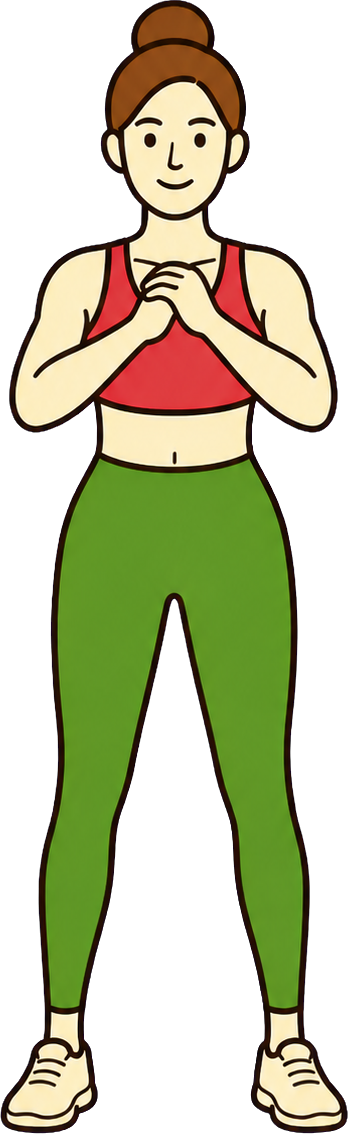
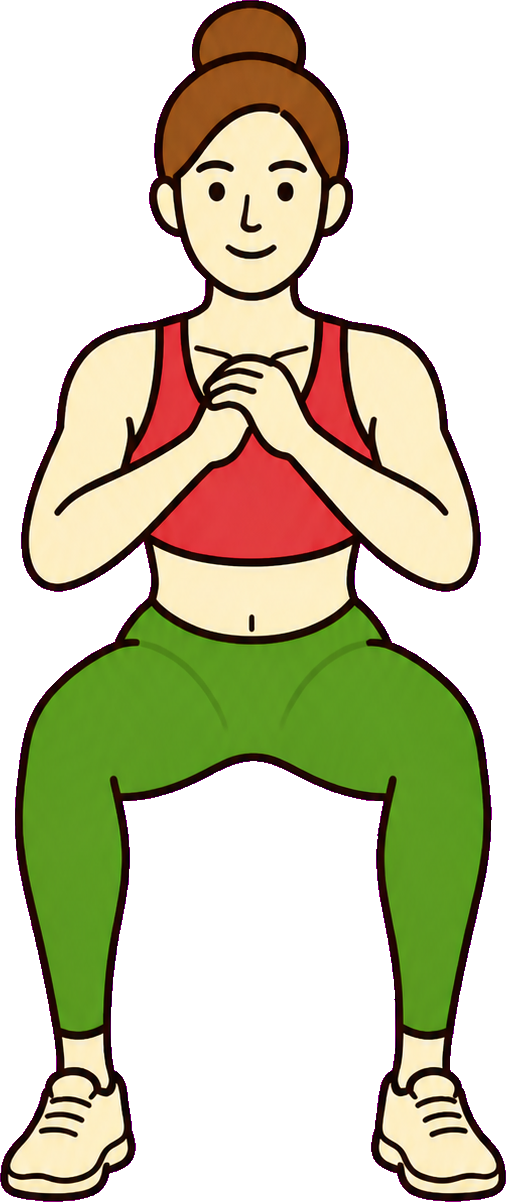
 0
0Quit doomscrolling.
Get your evenings back.
Grow bigger glutes.
Feel good in your favourite jeans.
FAQ
Questions about Plump
How does Plump work?
- We built Plump for that quick check that turns into a long scroll. You choose which apps to lock, then do squats to earn time on them.
How much time do I earn?
- We use one minute per squat, so ten squats give you ten minutes to scroll. That small effort gives you a pause before you open an app out of habit.
Does the camera record me?
- We use the camera to see each squat. The counting happens on your iPhone, without saving or uploading camera images or video.
Can I save my minutes for later?
- You may have time for squats now and want to scroll later. Your unused minutes stay in your balance while your Pro plan is active.
Will it work on my phone?
- Plump works on iPhones with iOS 18 or later. During setup, you give it camera access to count squats and Screen Time access to lock apps.
Is Plump free?
- You can download Plump for free. Locking apps and earning time need Plump Pro. We show you the price before you decide to pay.
Can I cancel?
- If you decide to stop using Plump, cancel through your Apple subscription settings. You keep access until your plan ends, then Plump removes the locks.
What happens if I delete Plump?
- Switch off App Lock before you delete Plump so your apps are no longer blocked. Deleting Plump clears its data and saved minutes from your phone. Cancel your Apple subscription as a separate step.